Events
The trip, the birthday, the afternoon out. Photos from the same occasion, brought together.
Cento for Mac · Beta press kit
A photo library you wanted to spend time in. Cento brings that feeling to the Apple Photos library you already have. The trips, the people, the everyday. A little easier to find your way back.
Apple IntelligenceOptimized for macOS 27

A few places worth going back to
Move across the photo or use the left and right arrow keys to browse. Drag on a touchscreen.
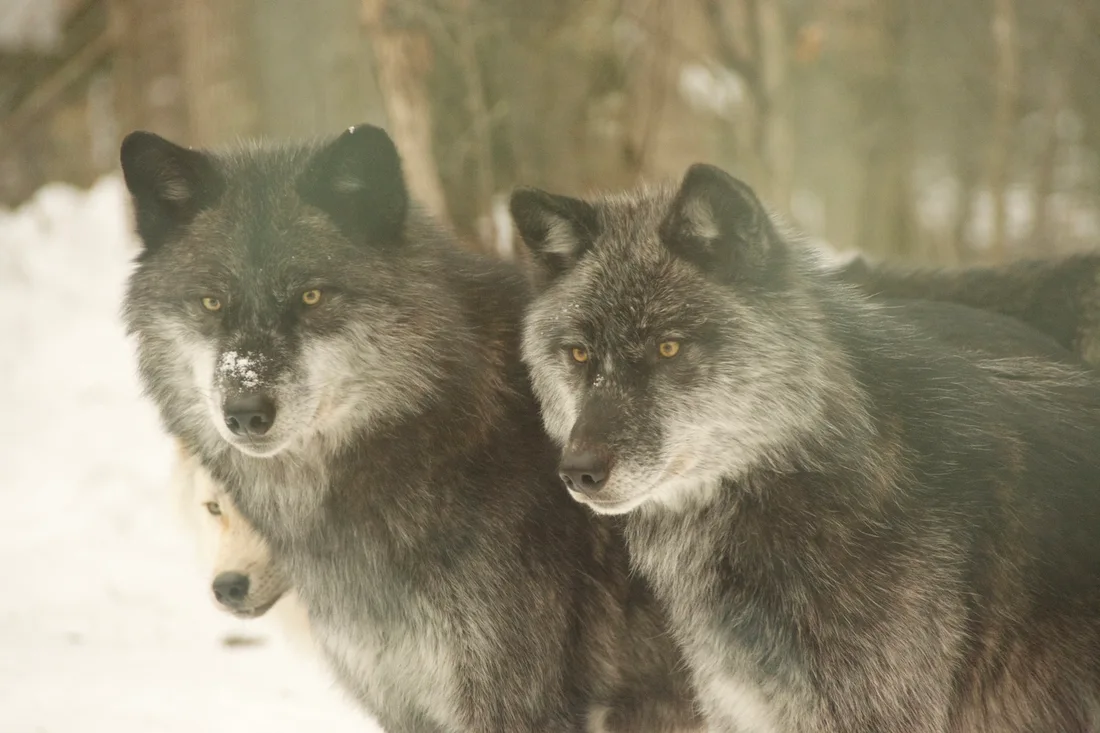
A winter trip, six highlights
Move across the photo or use the left and right arrow keys to browse. Drag on a touchscreen.
Move across a cover. Skim the memories.
Photos from my own library. Drag across a cover on touchscreens.
The story
I wanted to see those photos in a way that brought the memories back. To follow a life through time, instead of scrolling through a folder full of pictures.
That became Journeys. Then came the trips and birthdays, the good shots hiding among almost-identical takes, and the tickets and screenshots mixed in with everything else.
I’m building Cento around that idea: a library organized around the things you remember. iPhoto is part of the inspiration. The photos are the reason.
Journeys
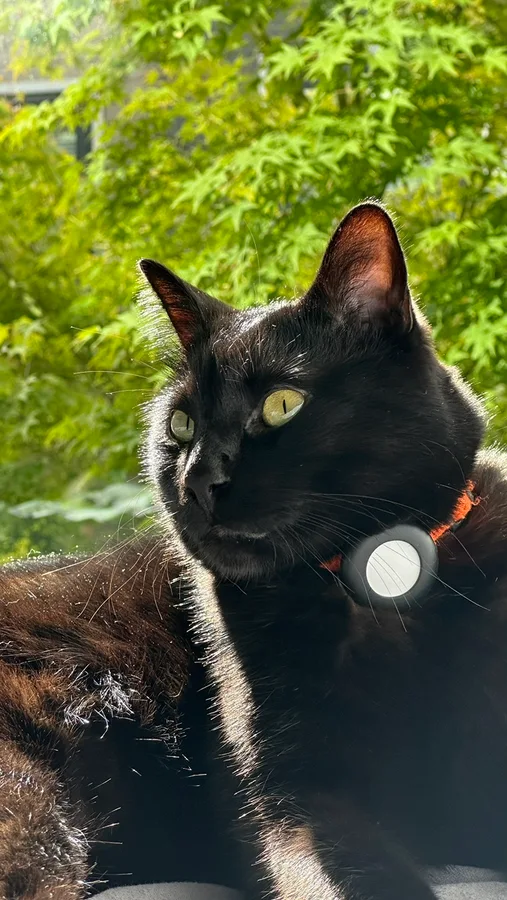
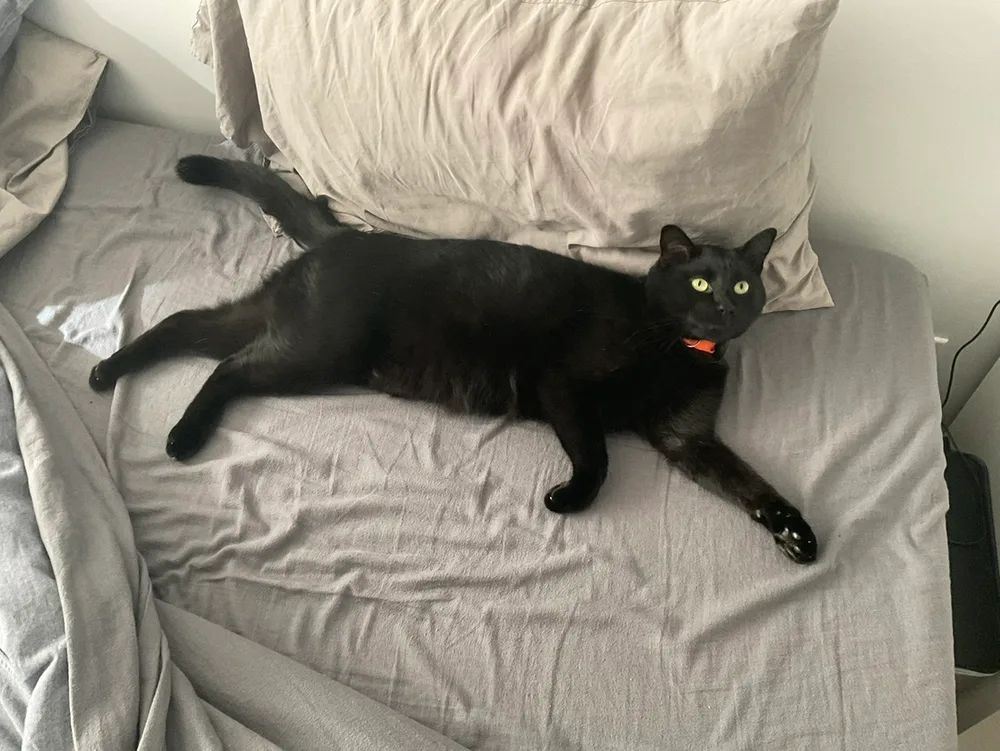
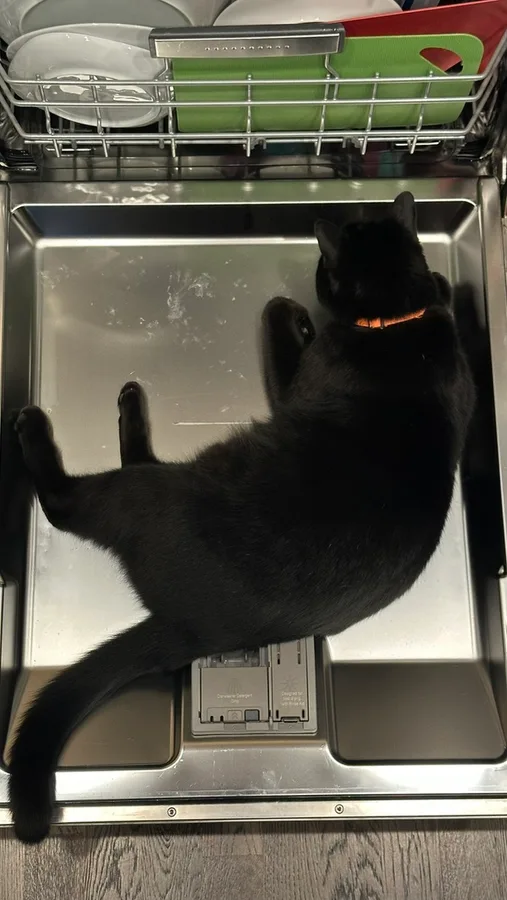
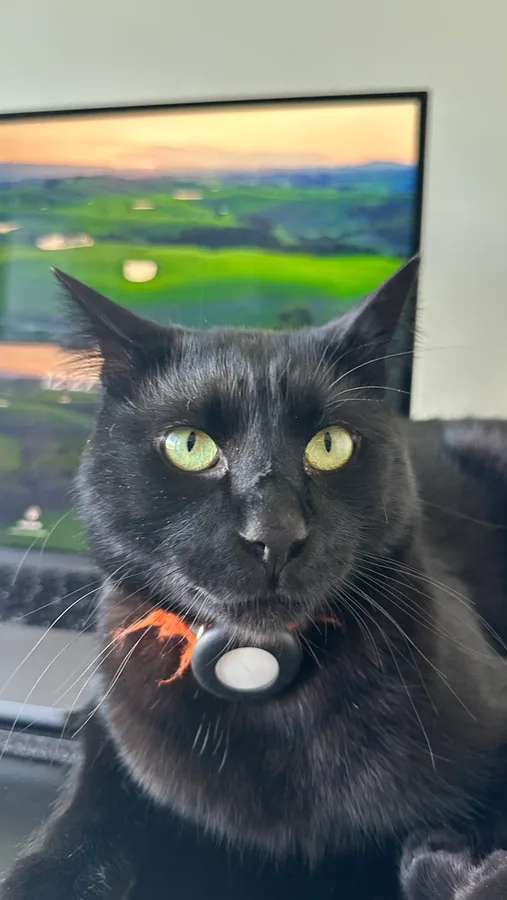
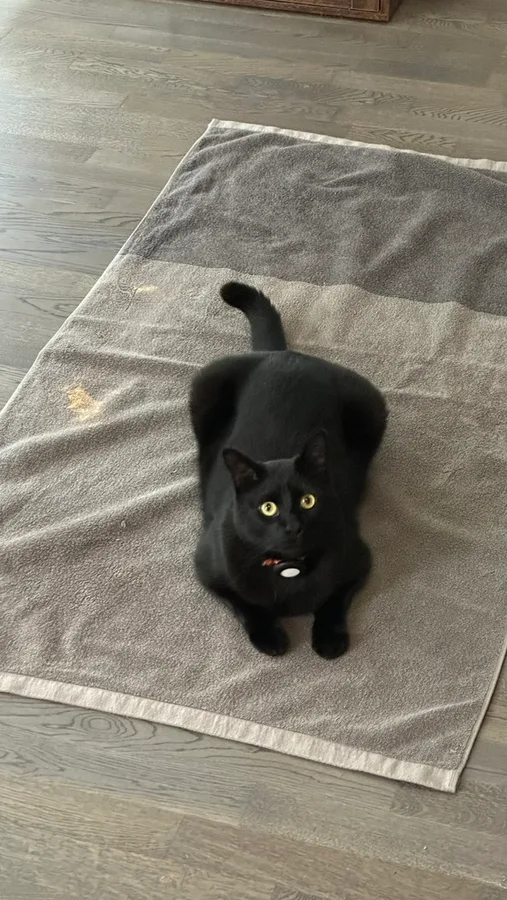
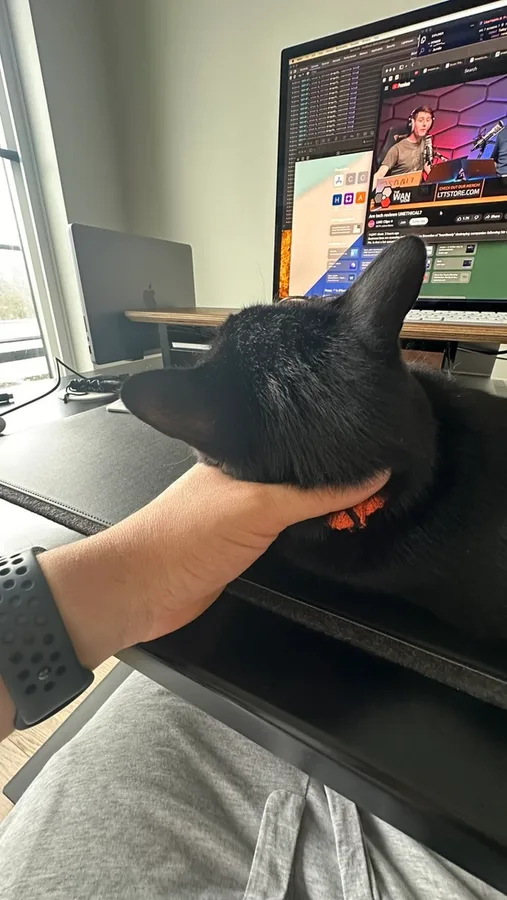
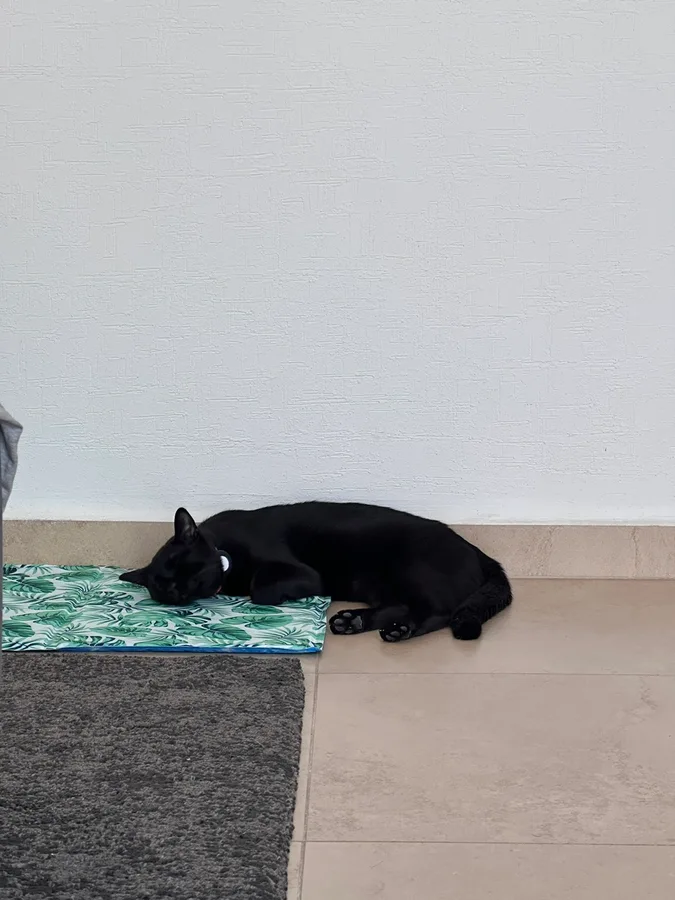
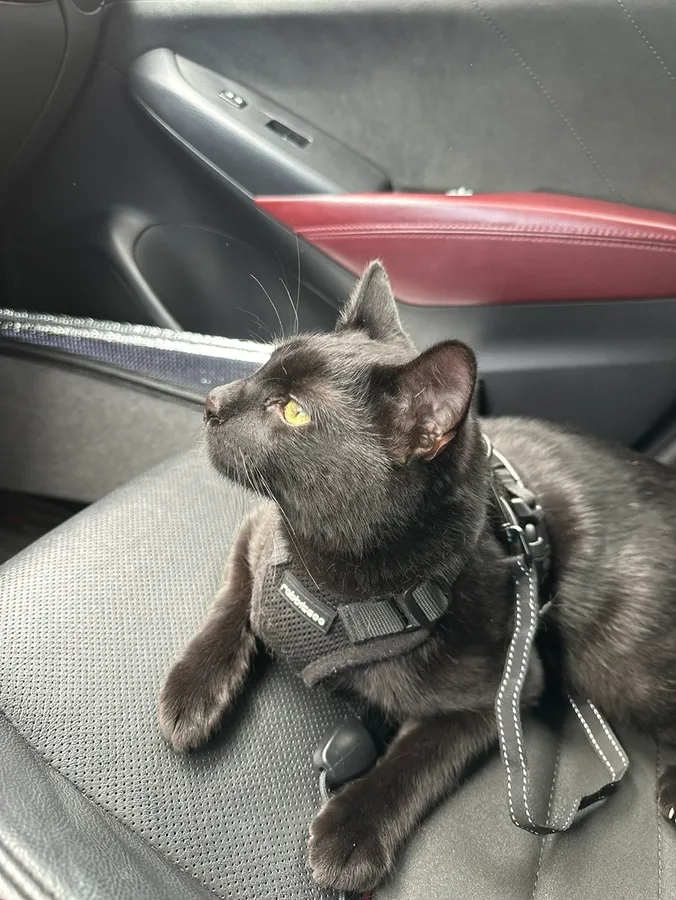
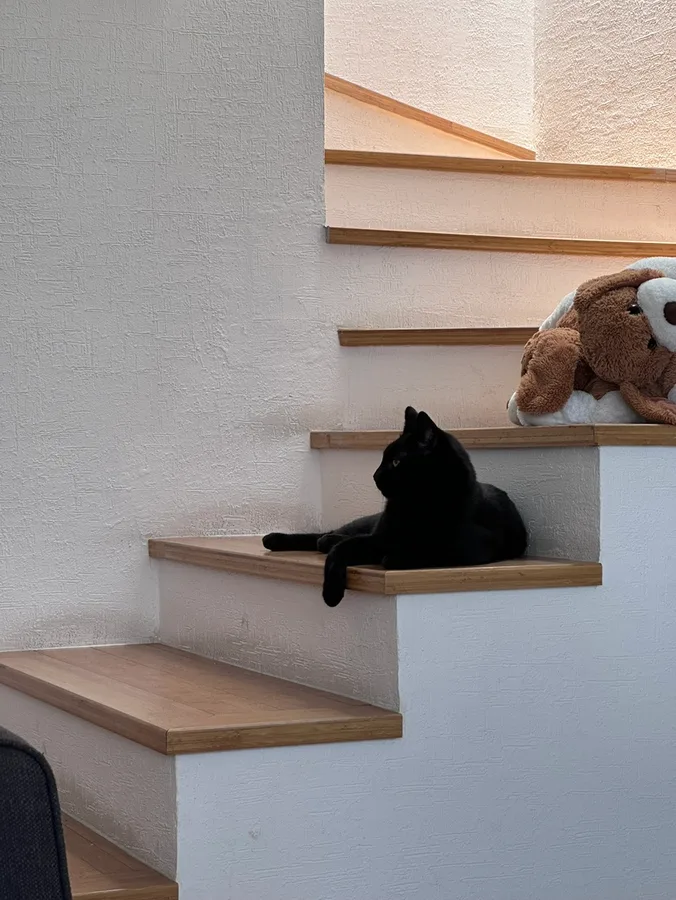
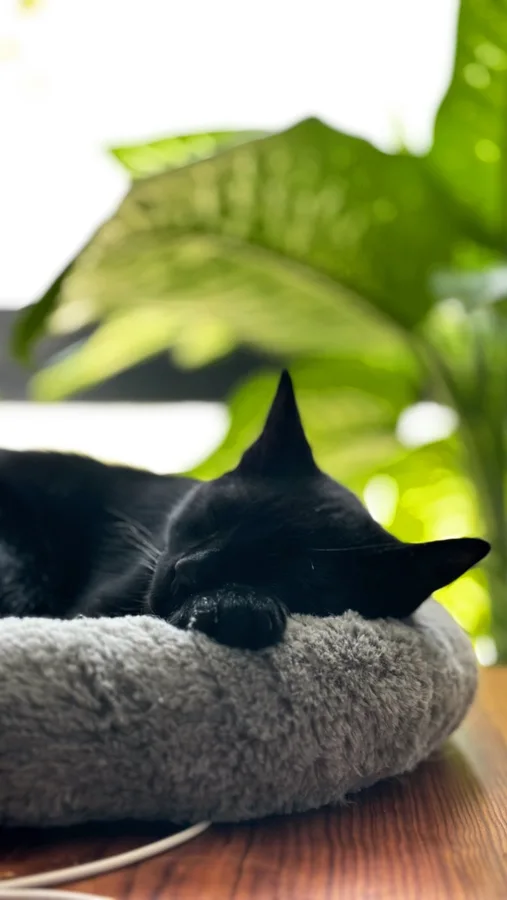
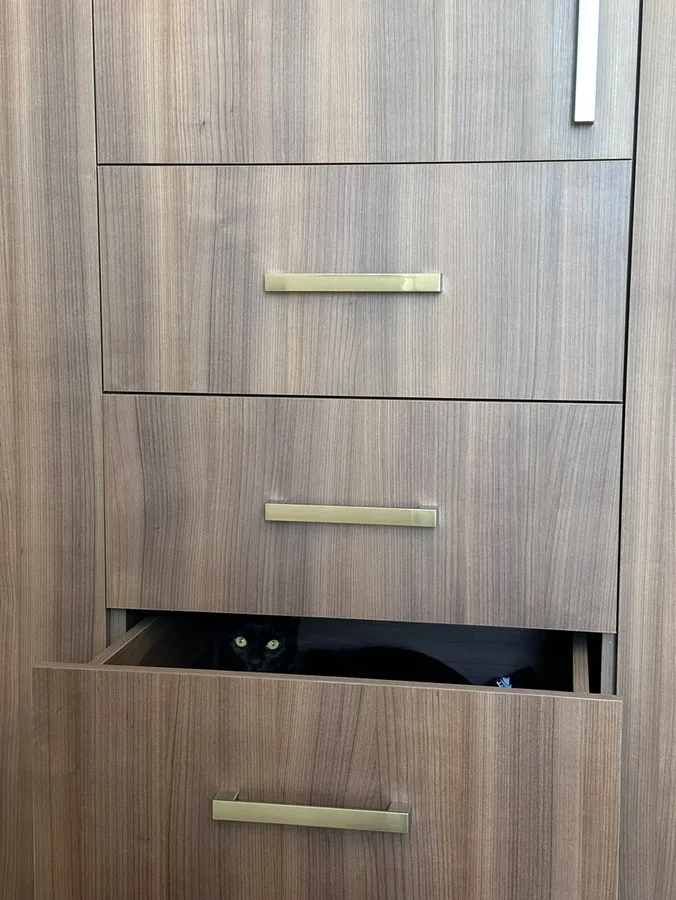
Move up or down through Kylo’s first two years.

The trip, the birthday, the afternoon out. Photos from the same occasion, brought together.
A person, a pet, a project. Follow a story that keeps growing across months and years.
Your best shots, a favorite place, a theme you keep returning to. Gather photos from across your library.
Find the photos that tell the story when you took far more than you want to show.
Keep similar takes together, with the best one up front.
Tickets, recipes, screenshots, things to remember. Give them a place of their own.
Apple Intelligence
On macOS 27, Cento uses Apple Intelligence to recognize what’s happening in your photos, suggest highlights, and find more pictures that belong in a journey.
Photo recognition runs on your Mac. Event titles can also use Apple’s Private Cloud Compute, which you can turn off.
Cento works with your existing Apple Photos library. Its core organizing tools run on macOS 26.2 or later. Apple Intelligence features require macOS 27 or later and a compatible Mac with Apple Intelligence available.
At a glance
Updated .
Cento is in active development. Features and interface may change during the beta.
Cento works with the Apple Photos library already on your Mac. It does not require you to start a second photo library. Separate folders, NAS libraries, and multiple-library management are outside its current focus.
Start with a year you know well. Browse the events, skim their covers, and look at the suggested highlights. Then try a journey for a person or pet. I’d love to hear what feels right, what gets in the way, and which memories you found again.
Yes, from macOS 26.2. The fullest Apple Intelligence experience needs macOS 27 and a compatible Mac. Please include your macOS version when sharing feedback.
An iOS version is planned down the road, with iCloud sync across devices. The current beta is for Mac.
Press assets
Device images, fullscreen screenshots, and the Cento logo. Download individually or take the pack.
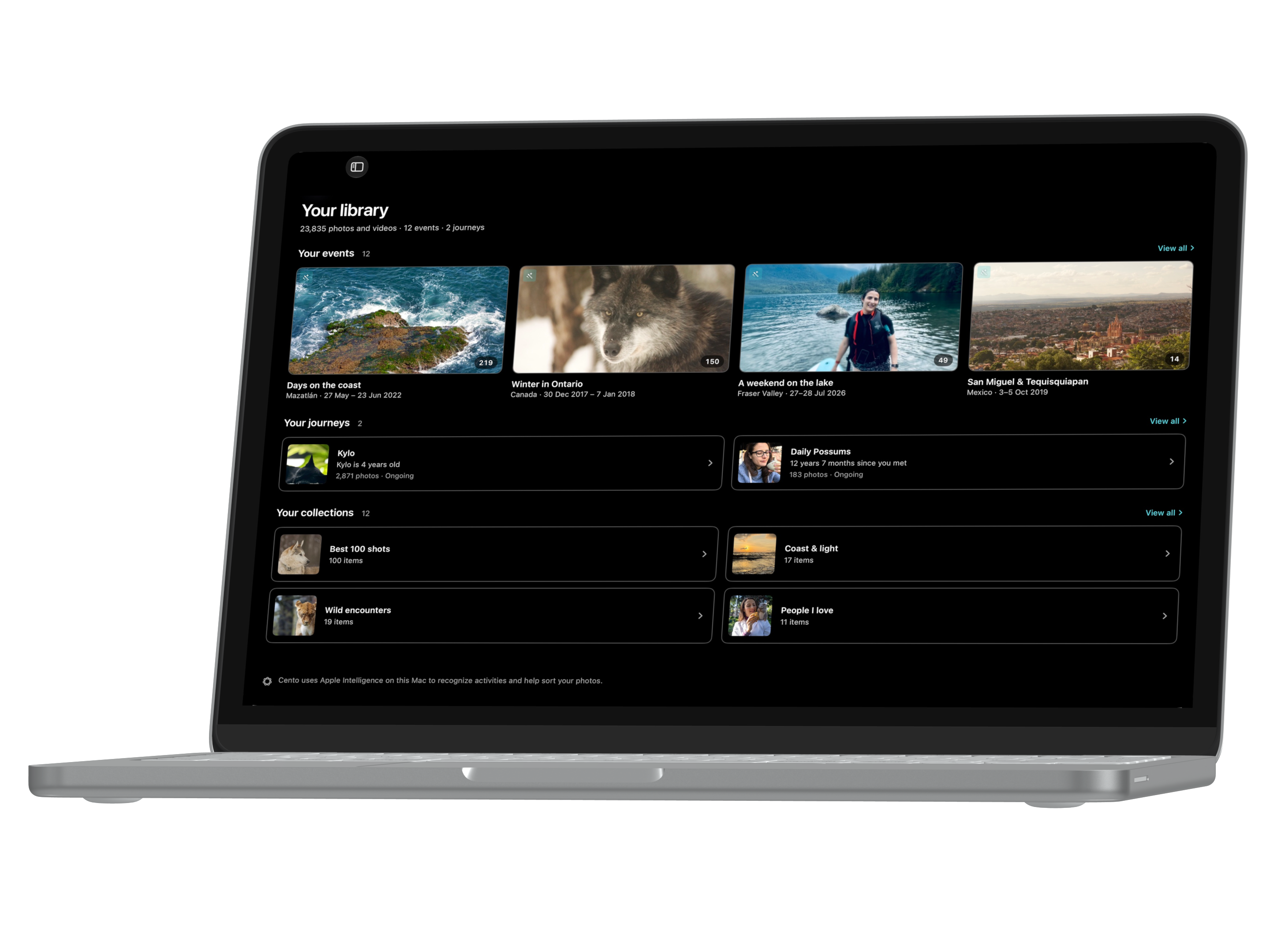
2880 × 2160 · Transparent PNG
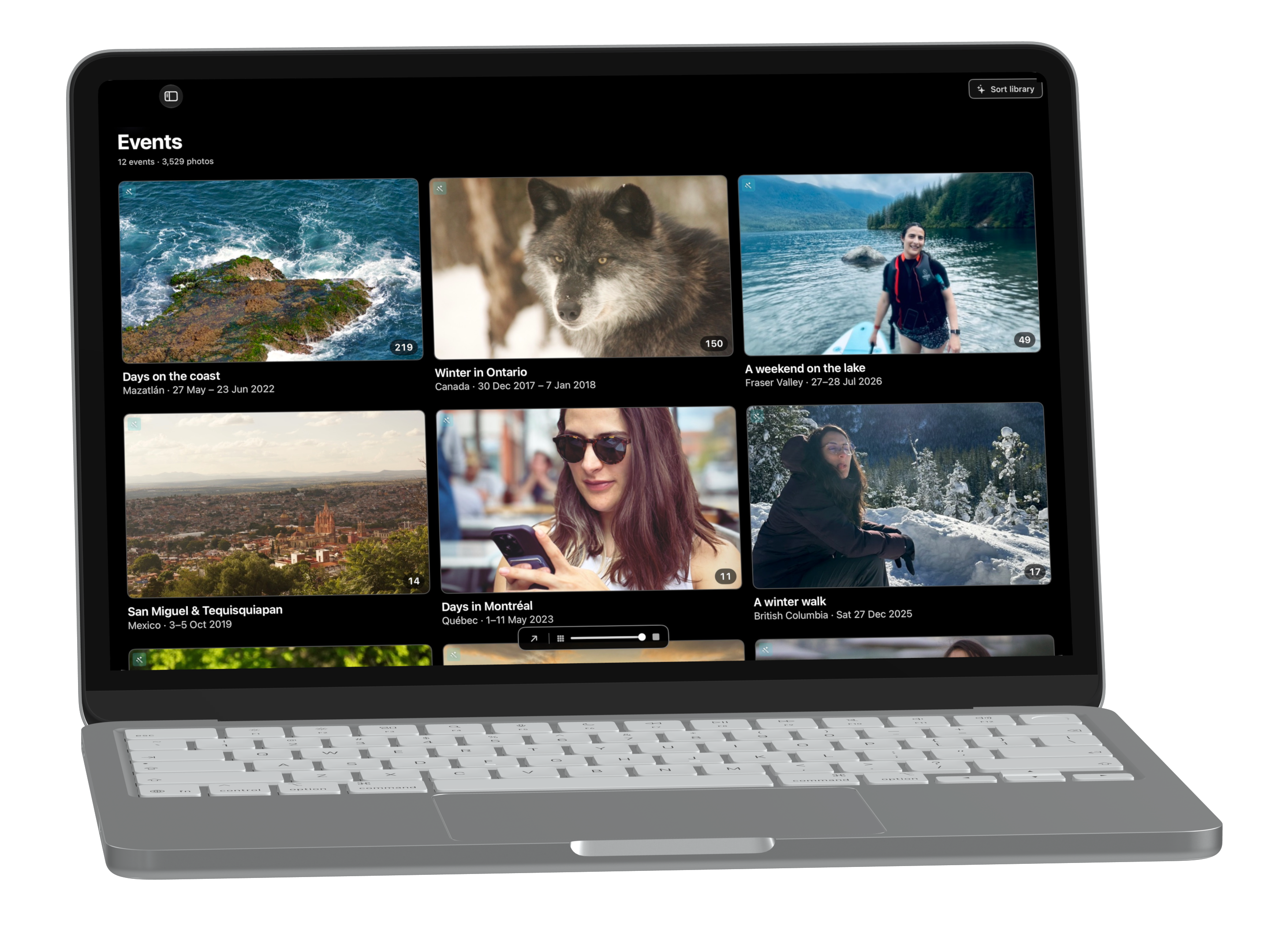
2880 × 2160 · Transparent PNG
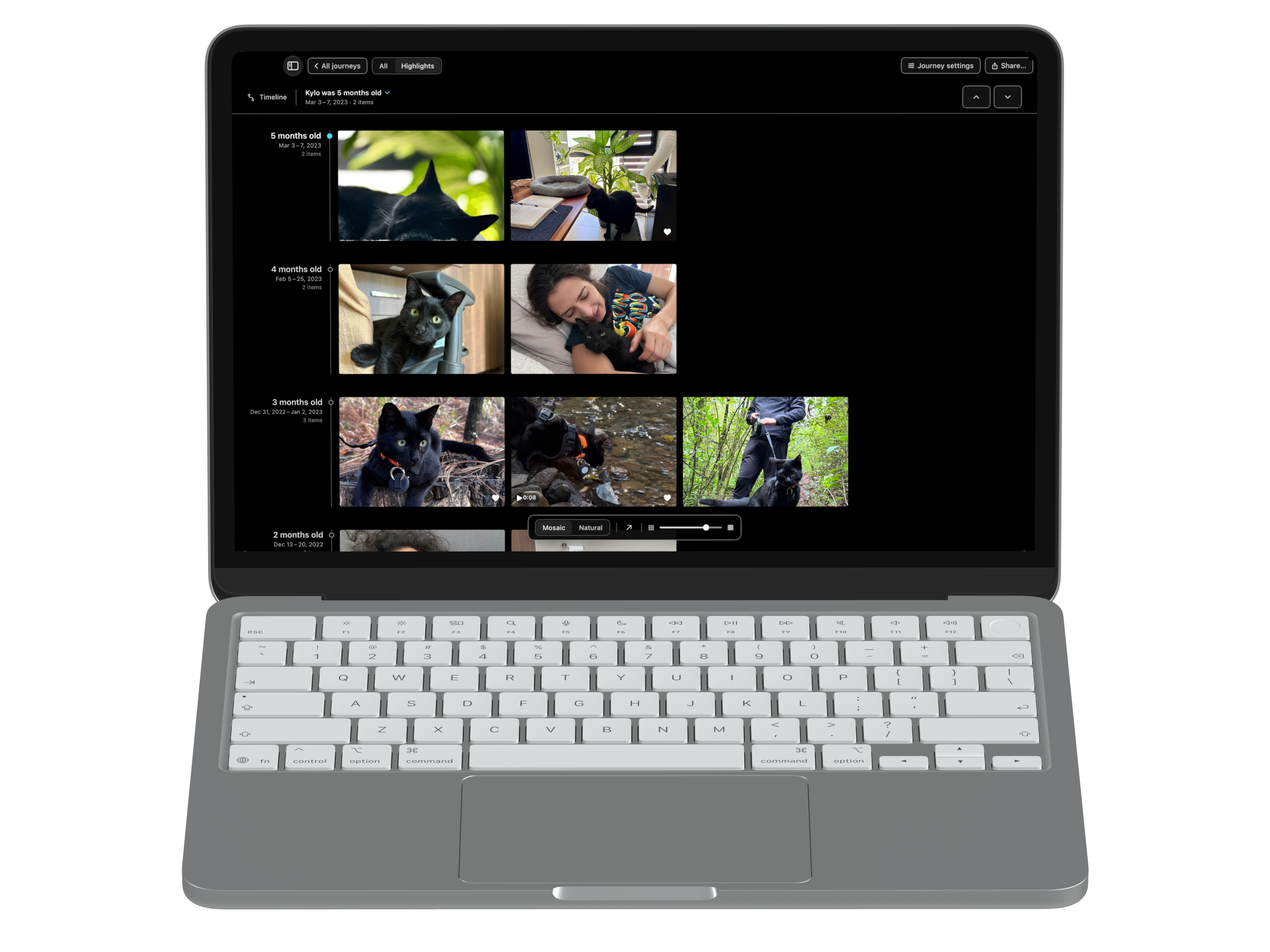
2880 × 2160 · Transparent PNG
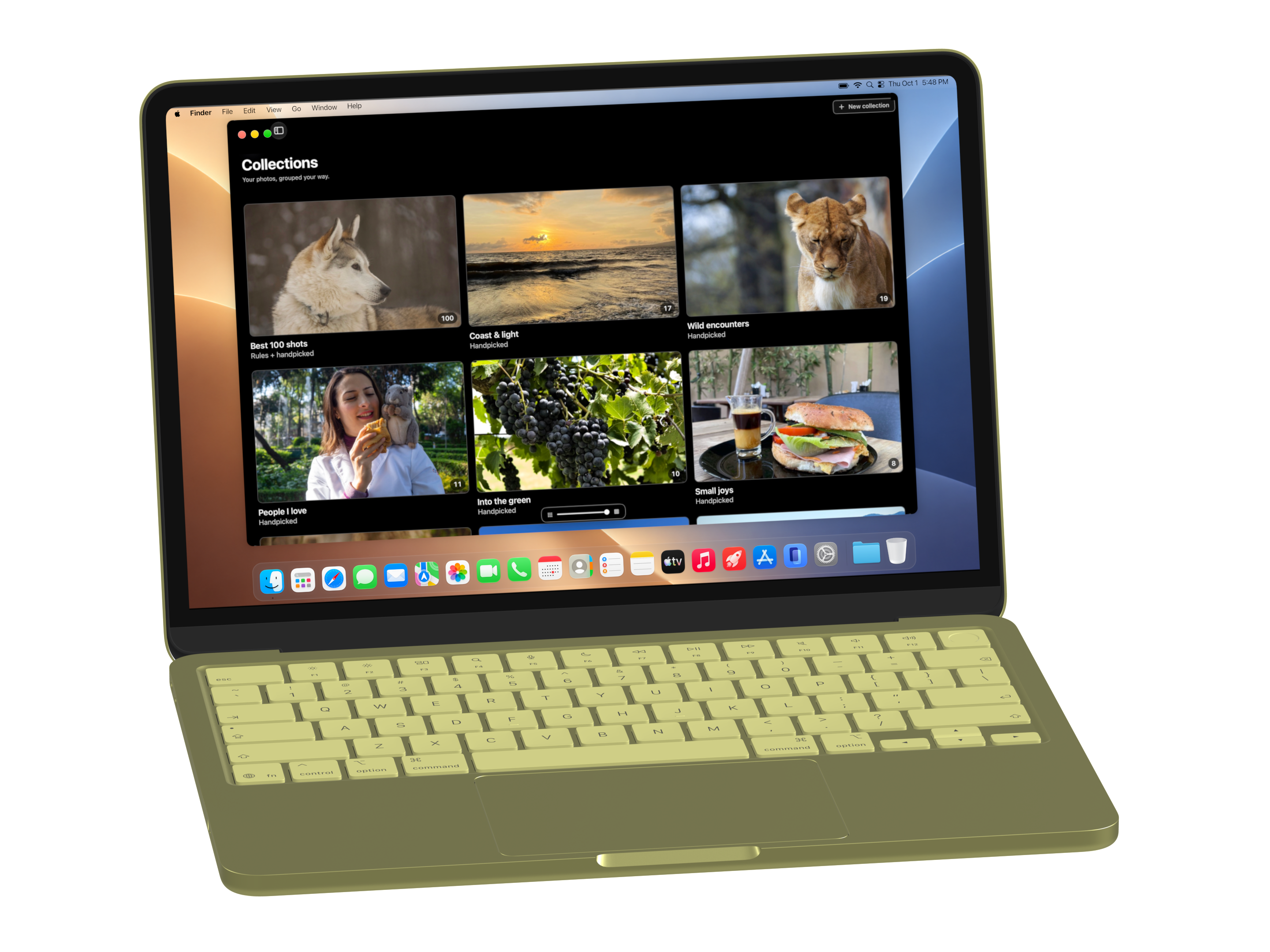
2880 × 2160 · Transparent PNG
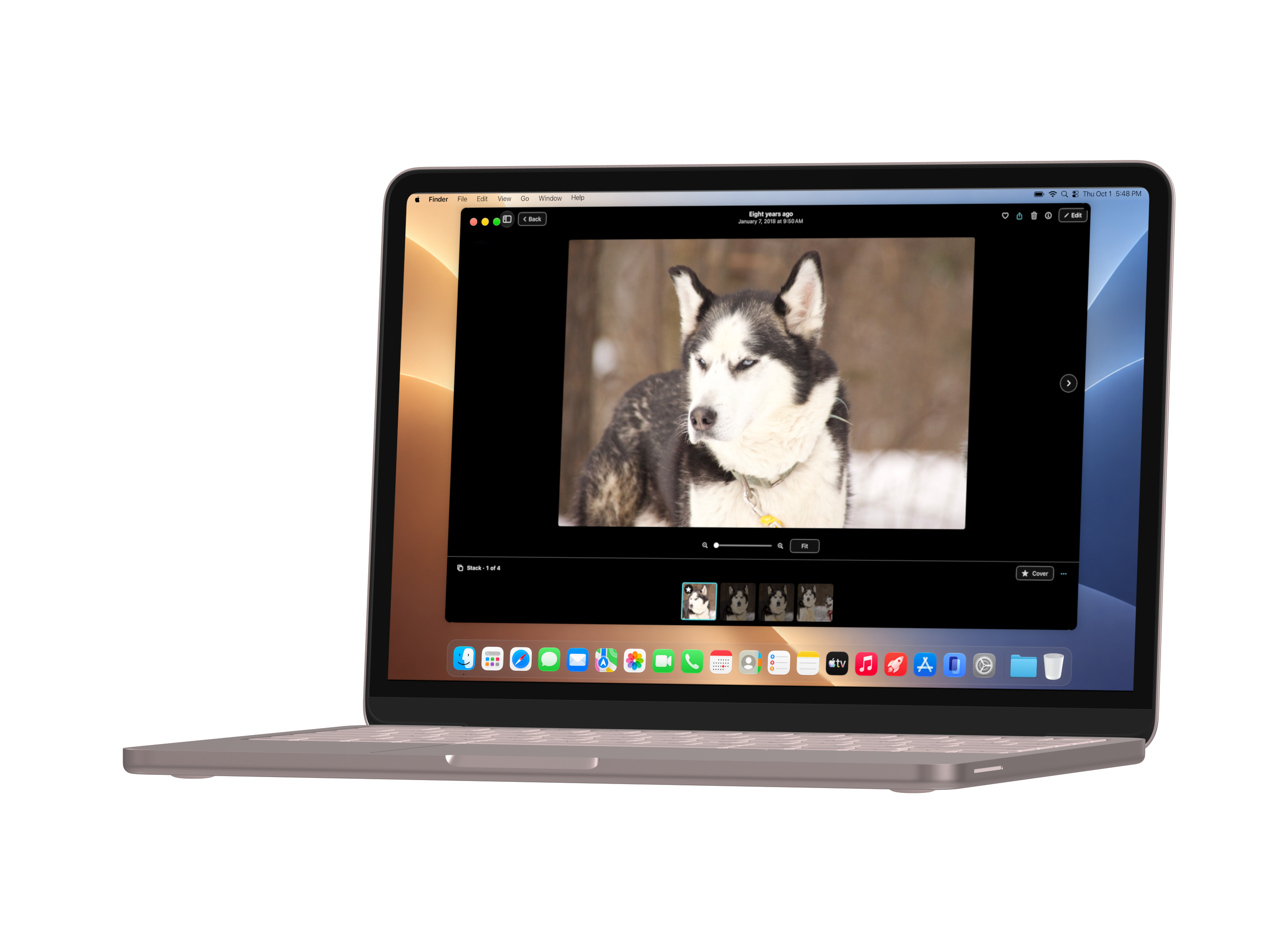
2880 × 2160 · Transparent PNG

Vector artwork · PNG 2240 × 2560
Full-resolution app views. All six are included in the press kit.
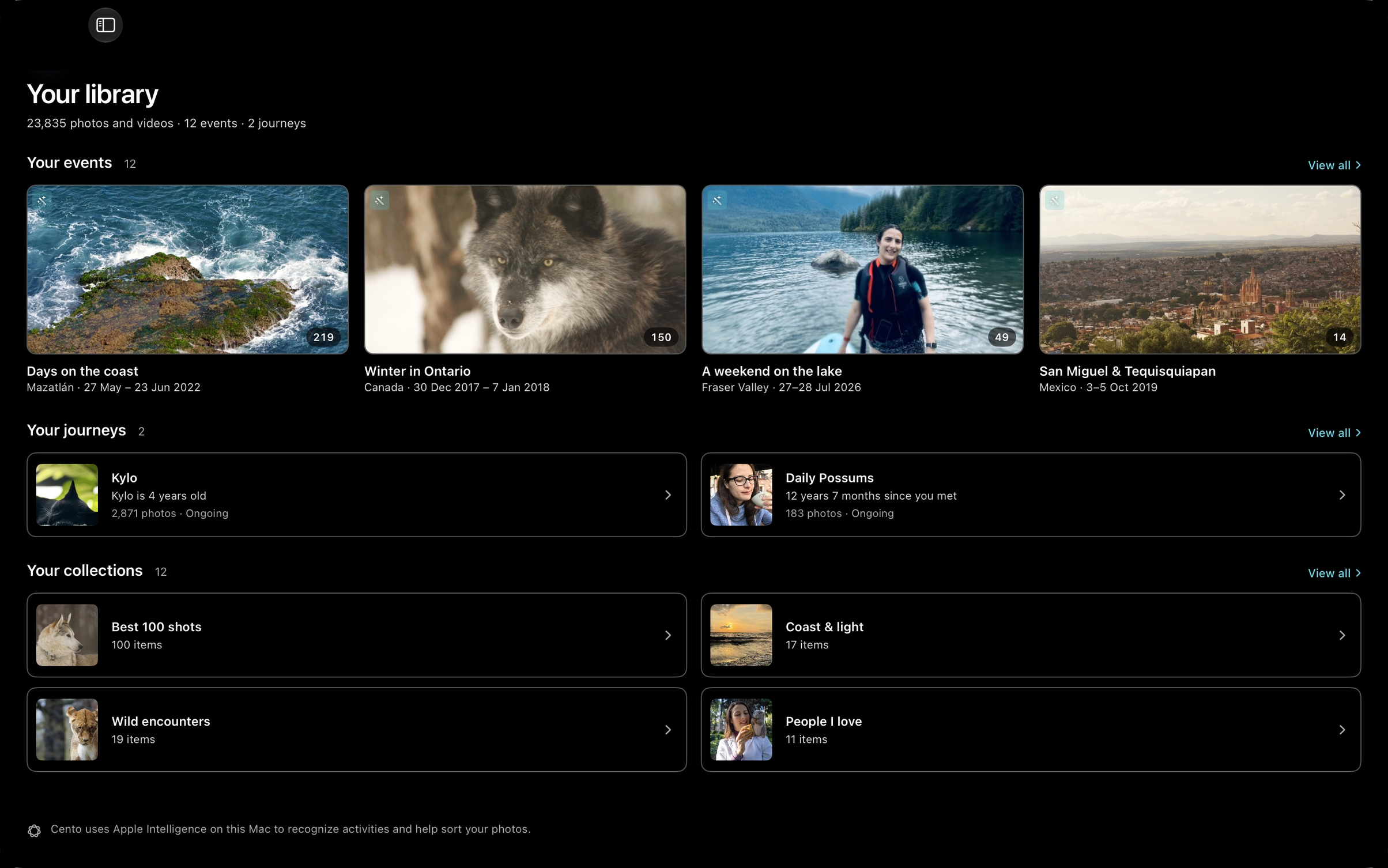
2408 × 1506 · PNG
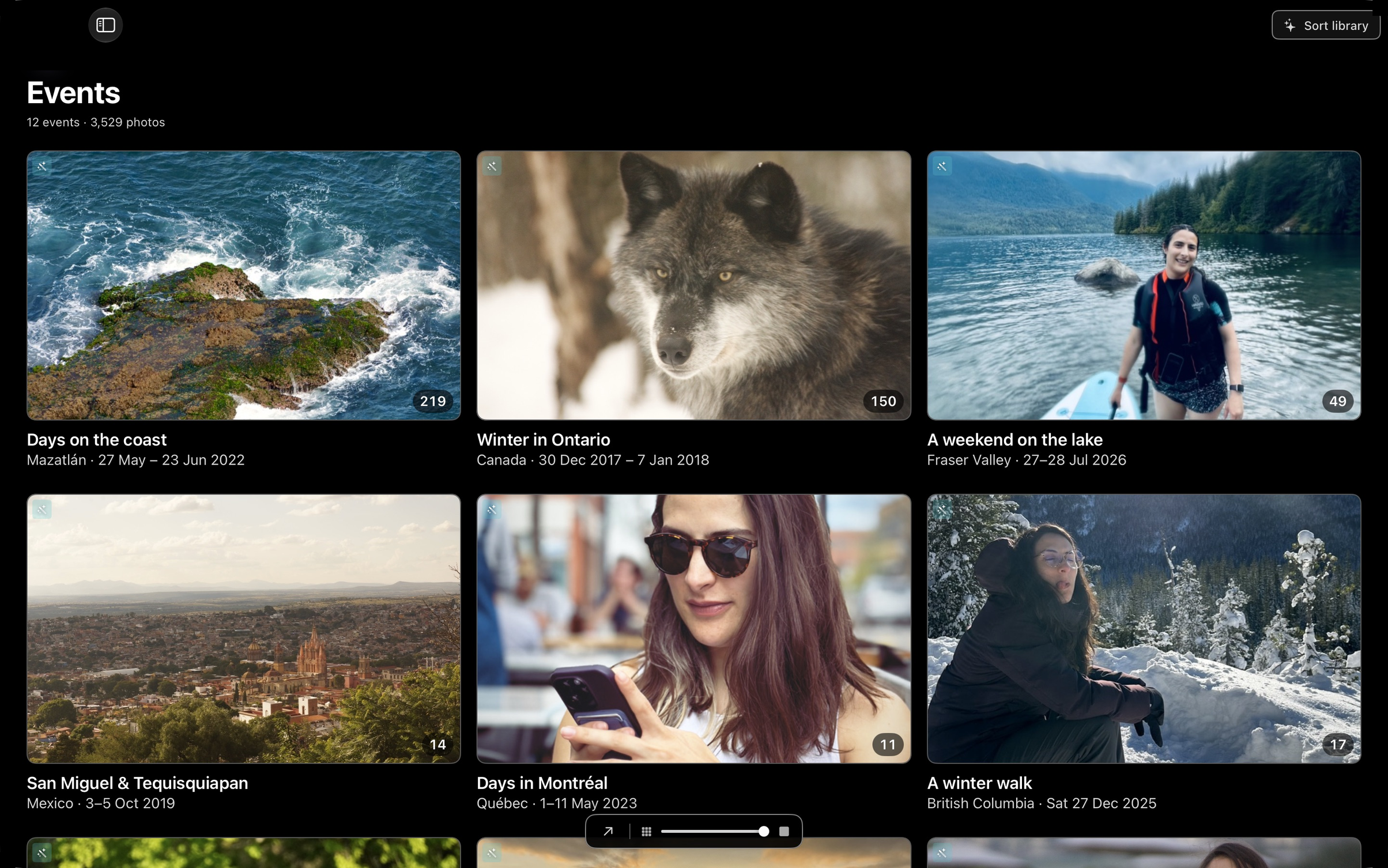
2408 × 1506 · PNG
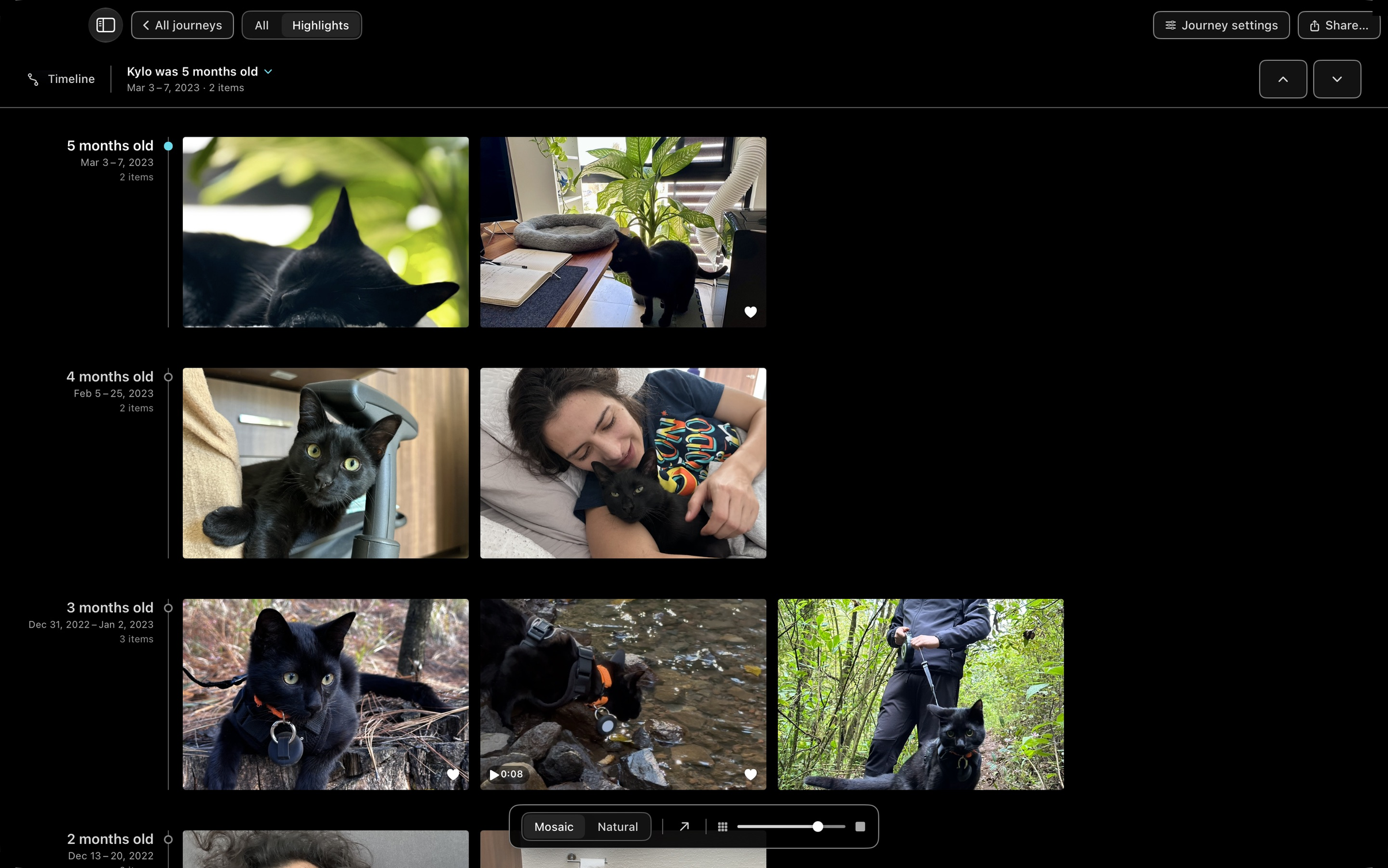
2408 × 1506 · PNG
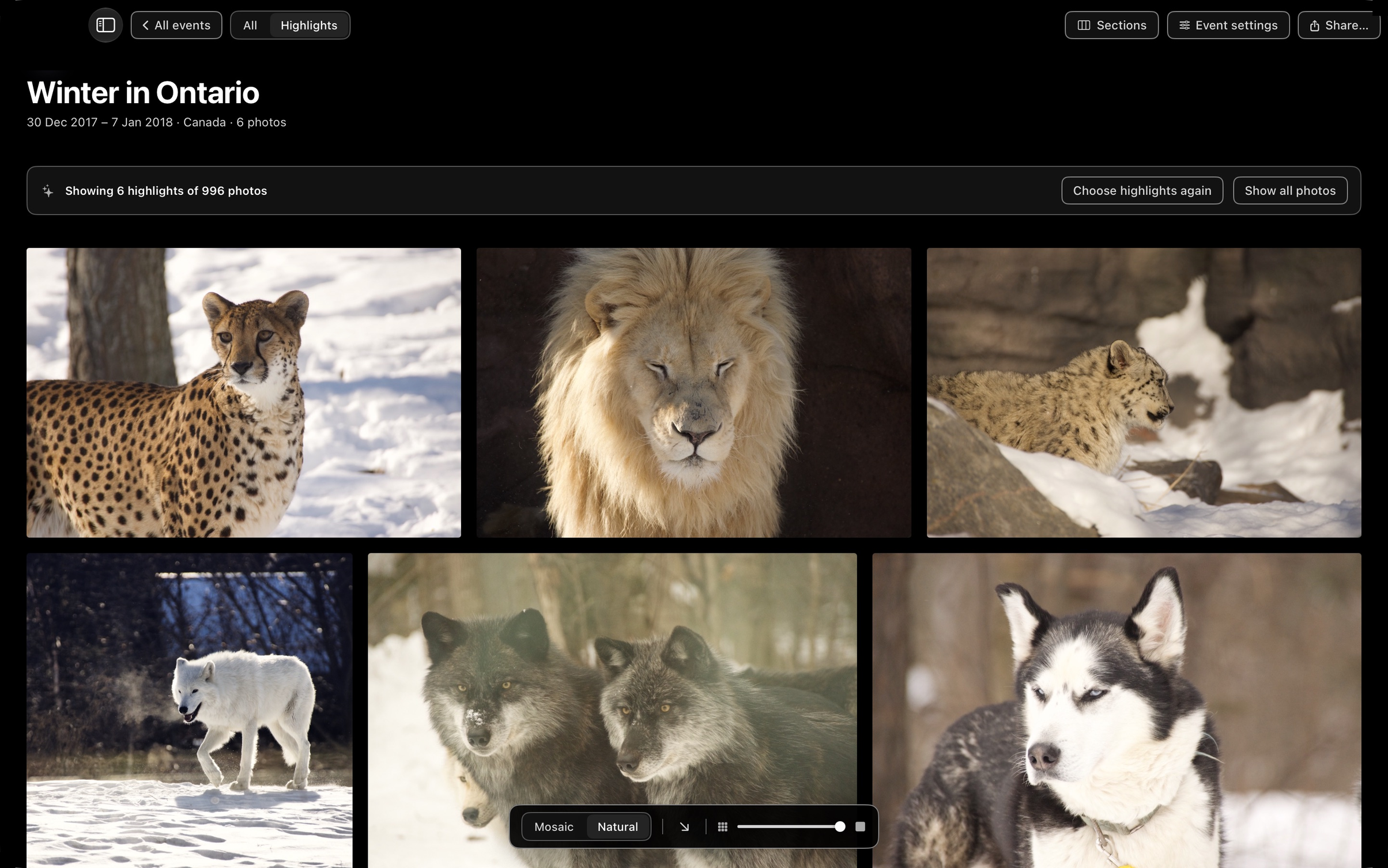
2408 × 1506 · PNG
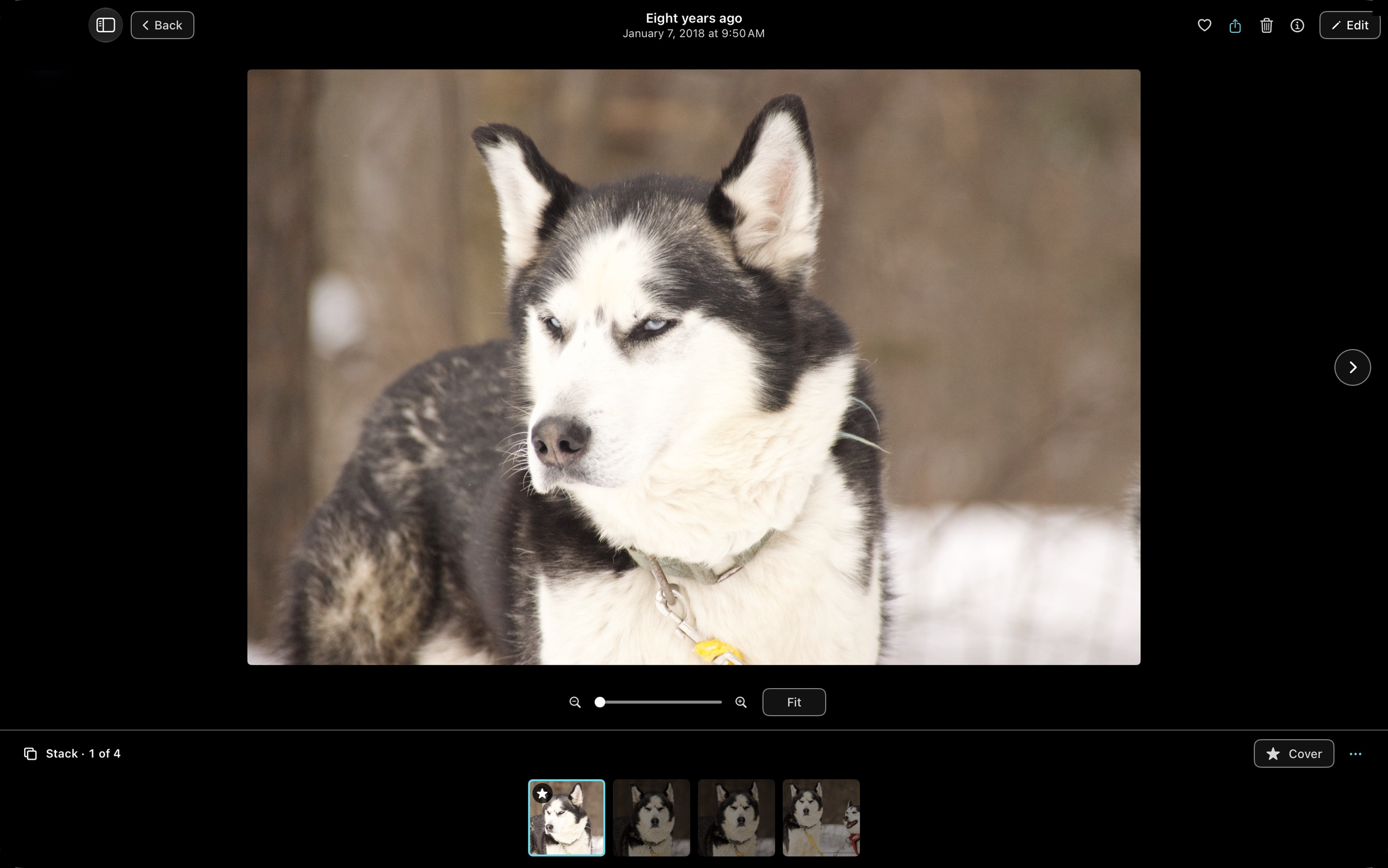
2408 × 1506 · PNG
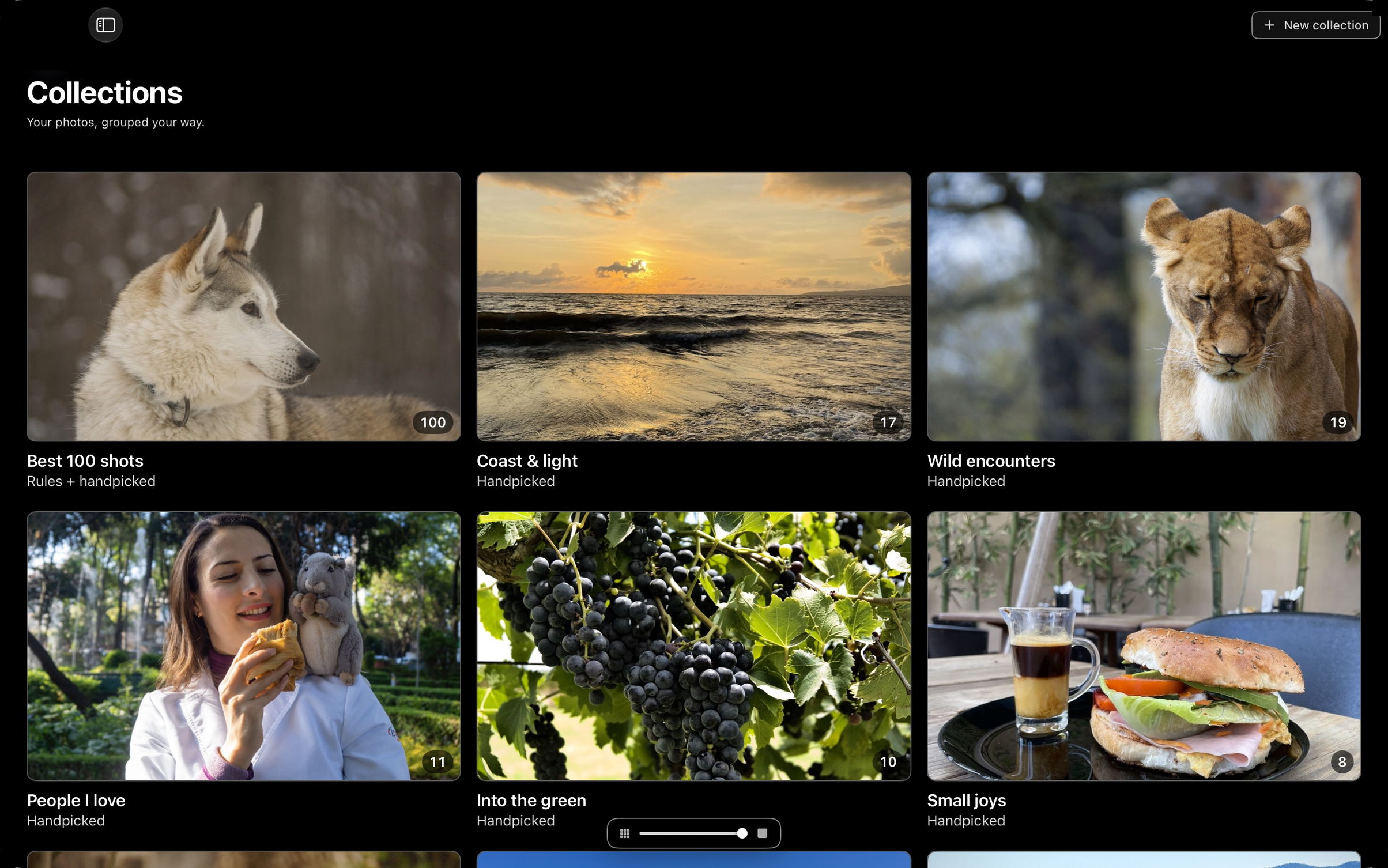
2408 × 1506 · PNG
Device images and fullscreen screenshots are supplied as full-resolution PNGs. Device images have transparent backgrounds. All images show a beta version of Cento. For other views, a walkthrough, or questions about the current build, email tony@arcticlab.ca.
Say hello
I’m Tony, the person making Cento. If this sounds like your kind of photo app, the beta is ready to explore. Questions and candid feedback are welcome.